It might seem like an easy change to get a new printer model, but it can make a big difference in how smoothly your work goes at home or at the office. Printer technology keeps getting better, with faster speeds, better connections, and more efficient use of space. But there's more to picking the right model than just picking the newest one. Knowing your real needs, how you normally use the product, and its most important features can help you make sure that your change gives you long-term benefits instead of limitations you didn't expect.
When You Should Upgrade Your Printer
1. Know What You Want To Print
Think about how you actually use your present printer before you buy a new one. Do you print mostly text files, presentations with lots of colors, or photos? Users at home, students, and businesses all have different needs. A model that works well for occasional home copying might not be up to the task of handling business work well. When you choose based on usage, you can avoid spending too much on things you might not use.
2. Pick Out The Right Kind Of Printer
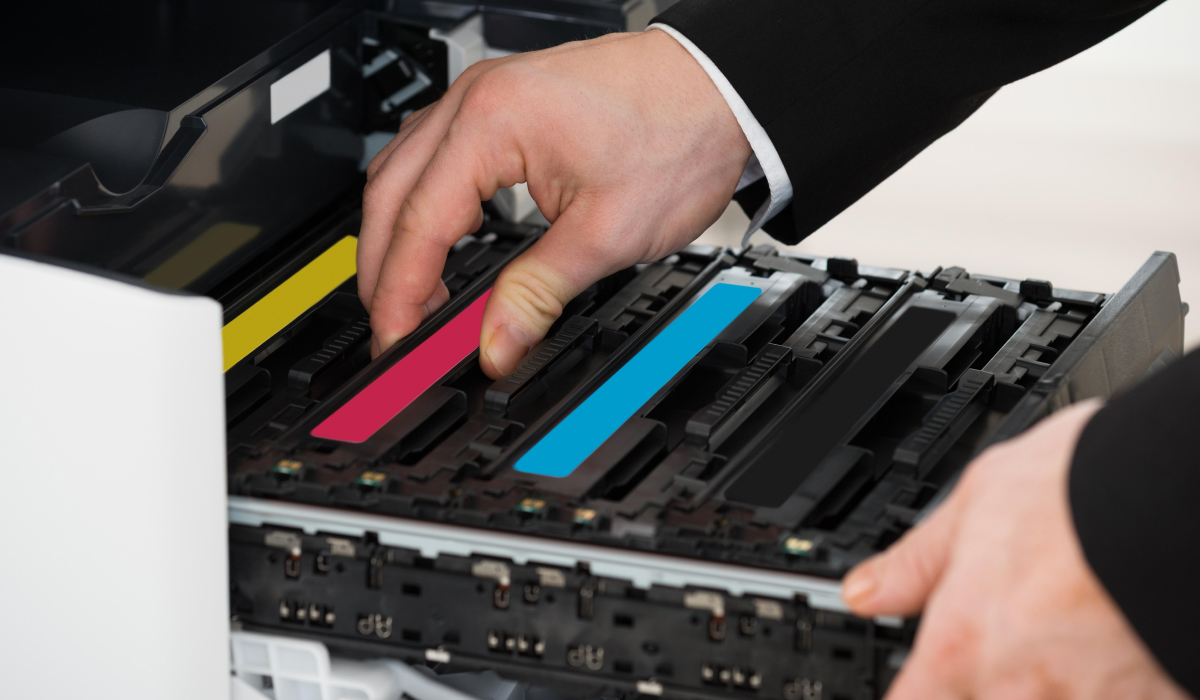
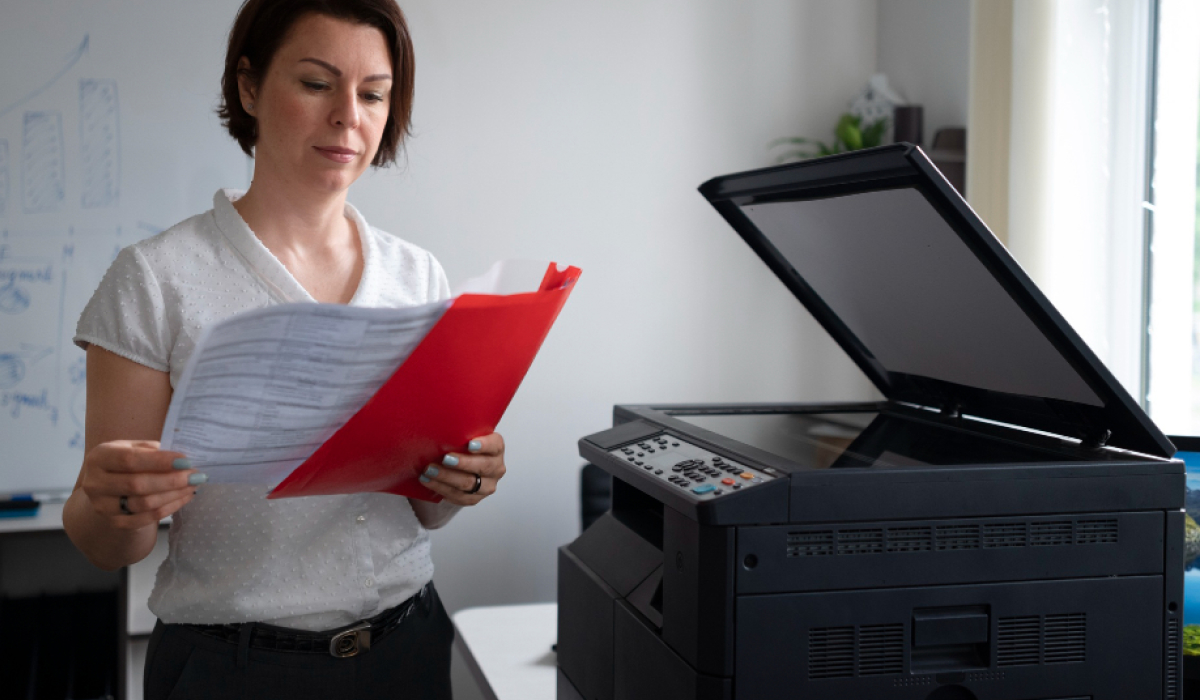
Every machine is different. Most people like inkjet printers because they print and produce pictures and photos with lots of colors. On the other hand, laser and LED printers are liked because they work quickly and produce clear text. All-in-one printers can scan and copy, which makes them useful for places where people are doing more than one thing at once. Knowing these changes will help you make sure that the new device lives up to your hopes.
3. Consider Print Speed and Volume
Print speed, which is generally given in pages per minute (PPM), is a very important factor in how much work gets done. A faster printer can save you a lot of time if you print a lot. Also, think about how many pages you print each month. Some printers are made for occasional light use, while others are made to regularly handle more work. Performance problems can be avoided by making sure the printer's ability matches the amount of printing you do.
4. Look At The Ways You Can Connect
There are many ways to connect to a modern printer, such as through Wi-Fi, USB, or a network. Wireless printing lets people print without cables from their computers, tablets, and phones. Network support is important if more than one person uses the printer. By checking these features, you can be sure that the printer will work well with your other devices.
5. Assess Print Quality Needs
The number of dots per inch (DPI) used to measure print quality affects how clear and sharp the images look. Pictures and graphics should have a higher DPI, while text should be at a standard resolution. You can choose a printer that gives you the best mix of clarity and speed if you know how much detail you need.
6. Check Size and Workspace Fit
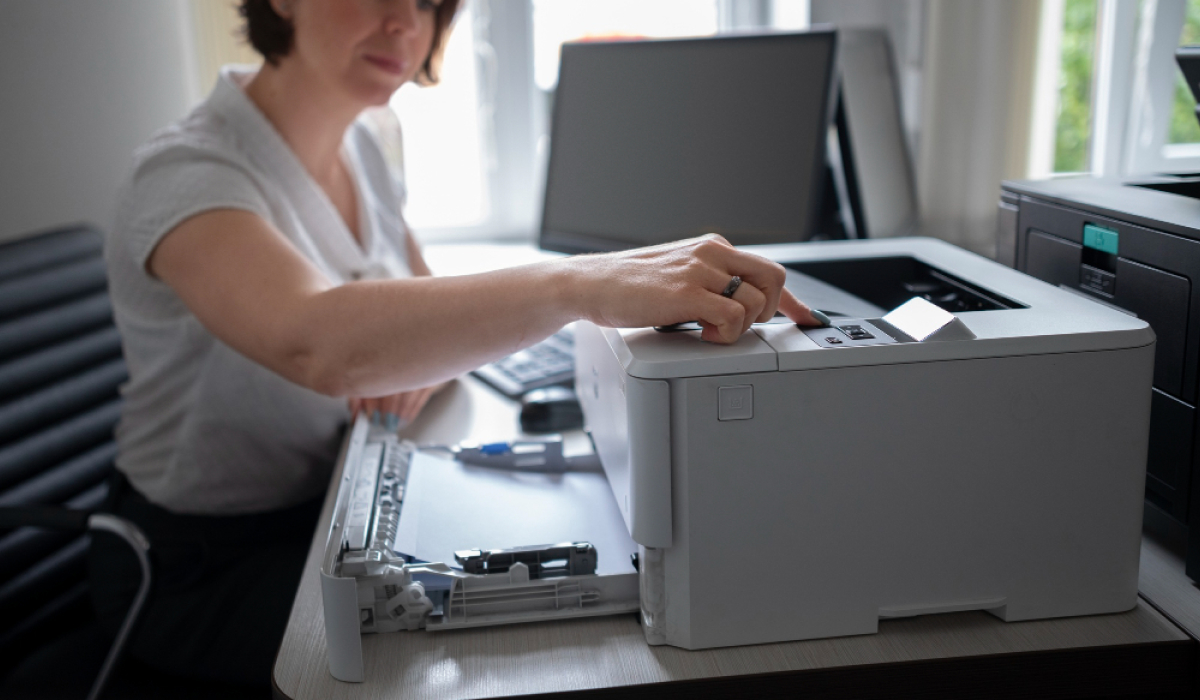
Printers come in a range of sizes, from small ones that fit on desks to bigger ones that are used in offices. You should think about where you will put the printer and whether there is enough room for easy entry and handling of paper. A device that fits well makes daily life easier and more comfortable.
7. Think About Long-Term Efficiency
Value is increased by using less energy and making things that last longer. A reliable printer cuts down on delays and helps keep things running smoothly. Picking a model that works the same way every time helps with both productivity and cost knowledge over time.
Utilize a Wise Decision to Upgrade
Moving up to a new printer model can help you save time, get better results, and make things easier. You can make an informed choice by thinking about your printing needs, the type of technology you want, how well you expect it to work, and how much room you need. A thoughtful upgrade will make sure that your new printer works well for daily tasks and gives you reliable results for many years to come.