Print quality is a big part of how people see papers, pictures, and designs. It doesn't matter if it's a business report, a school project, or an artistic print—you need to be clear and precise. Modern printers are made with cutting-edge technologies, but what they print rests on more than just the printer. There are a lot of things going on behind the scenes that affect how clear, bright, and correct a print will look. Users can make better decisions and get more consistent results if they understand these factors.
Important Things That Affect Print Quality
1. Printer Resolution and Technology
Resolution, which is usually given in DPI (dots per inch), is one of the most important factors that affects the quality of a print. Printers can make finer features and smoother gradients when the DPI is higher. There are different printing technologies used by inkjet, laser, LED, and big format printers. Each has its own pros and cons. For instance, inkjet printers are known for being great at printing photos and mixing colors, while laser printers are known for making text look clear. The mechanisms, print heads, and imaging systems inside the printer all play a part in how exactly ink or toner is put on paper.
2. Type and Quality of Paper Used
Paper is more than just a surface; it changes the way ink or toner works. Glossy paper can make colors look more vivid, while matte paper gives things a smoother look. Images usually have more depth on thicker paper, while prints on cheap paper may be dull or fuzzy because the paper absorbs color unevenly. How the end product looks is affected by the texture, weight, and coating of the paper. Picking the right paper for the job, whether it's for pictures, graphics, or documents, can make the results look much better.
3. Quality of the ink or toner
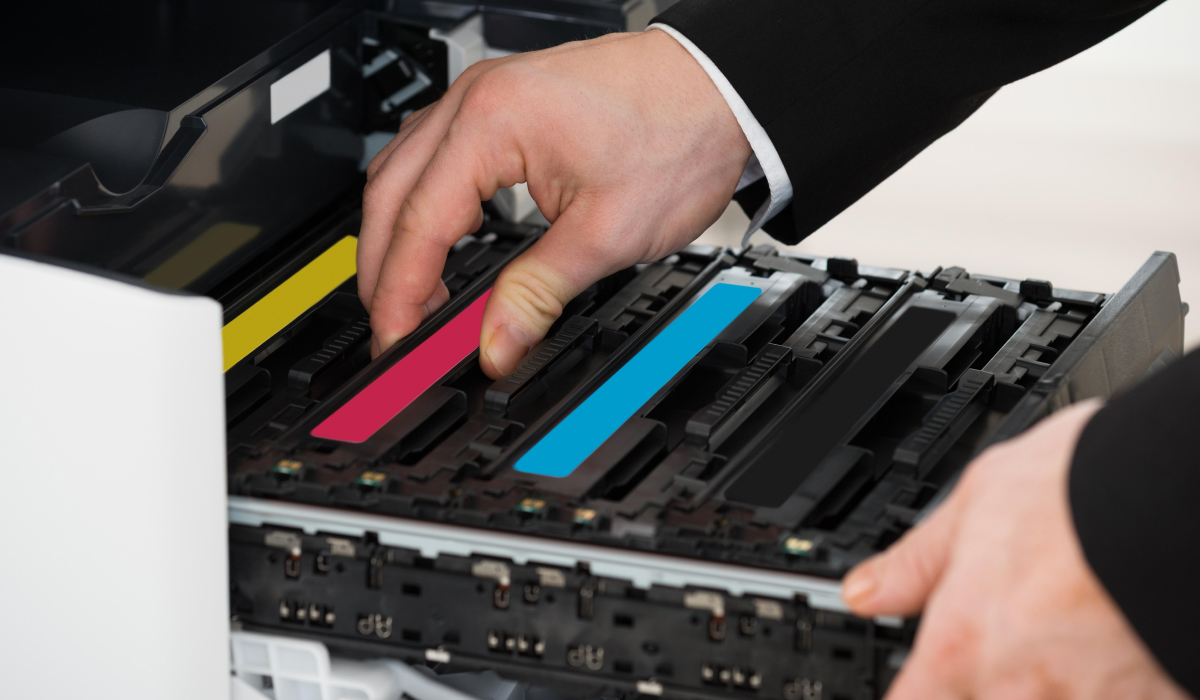
The ink or toner quality is very important for getting pictures that are consistent and bright. Most of the time, pigment-based inks are better for sharper text and longer life, while dye-based inks give pictures rich colors. The way laser and LED printer toner is made also changes the density and brightness of the print. If you use low-quality supplies, the colors may fade, there may be streaks, or the covering may not be even. Using supplies that are reliable and suitable with the printer helps it keep working the way it's supposed to and supports steady output over time.
4. Print Settings and Configuration
The settings for a printer have a clear effect on the quality of the result. How much ink or toner is used and how well details are shown depend on choices like print mode (draft, standard, or high quality), color profiles, and resolution. If the configuration is wrong, colors may look washed out, or letters may be jagged. To get better results, change the settings based on the type of document. For example, choose photo mode for pictures and text mode for papers.
5. Connectivity and File Source Quality
It's also important how good the source file is. Images or files that have been compressed or have low quality may look pixelated when printed. In addition, unstable connections during wireless printing can sometimes change how data is sent, which can cause pictures to be missing parts or distorted. Making sure you have high-resolution source files and stable connections can help your printing go more smoothly and accurately.
6. Care for and condition of the printer
Over time, dust buildup, worn parts, or being out of line can make prints less clear. Consistent performance is supported by regular care, like cleaning or calibrating the print head. A printer that has been well taken care of is more likely to have even ink spread and clear text than one that has not been.
Improving Print Results
Print quality depends on many things, such as the technology in the printer, the type of paper used, and the settings that are chosen. Users can improve clarity, color accuracy, and general presentation by making choices based on an understanding of how these factors affect output. Modern printers always produce high-quality results for both personal and business printing needs if you pay attention to these details.